

Redirect the user to Authorization URL
To start the authorization flow you need to redirect the user to the authorization URL. It looks like this:The parameters are the one described in the OpenID Connect specification. The most important ones are:Once redirected, the user will see a page requesting them to grant access to their data according to the scopes you specified.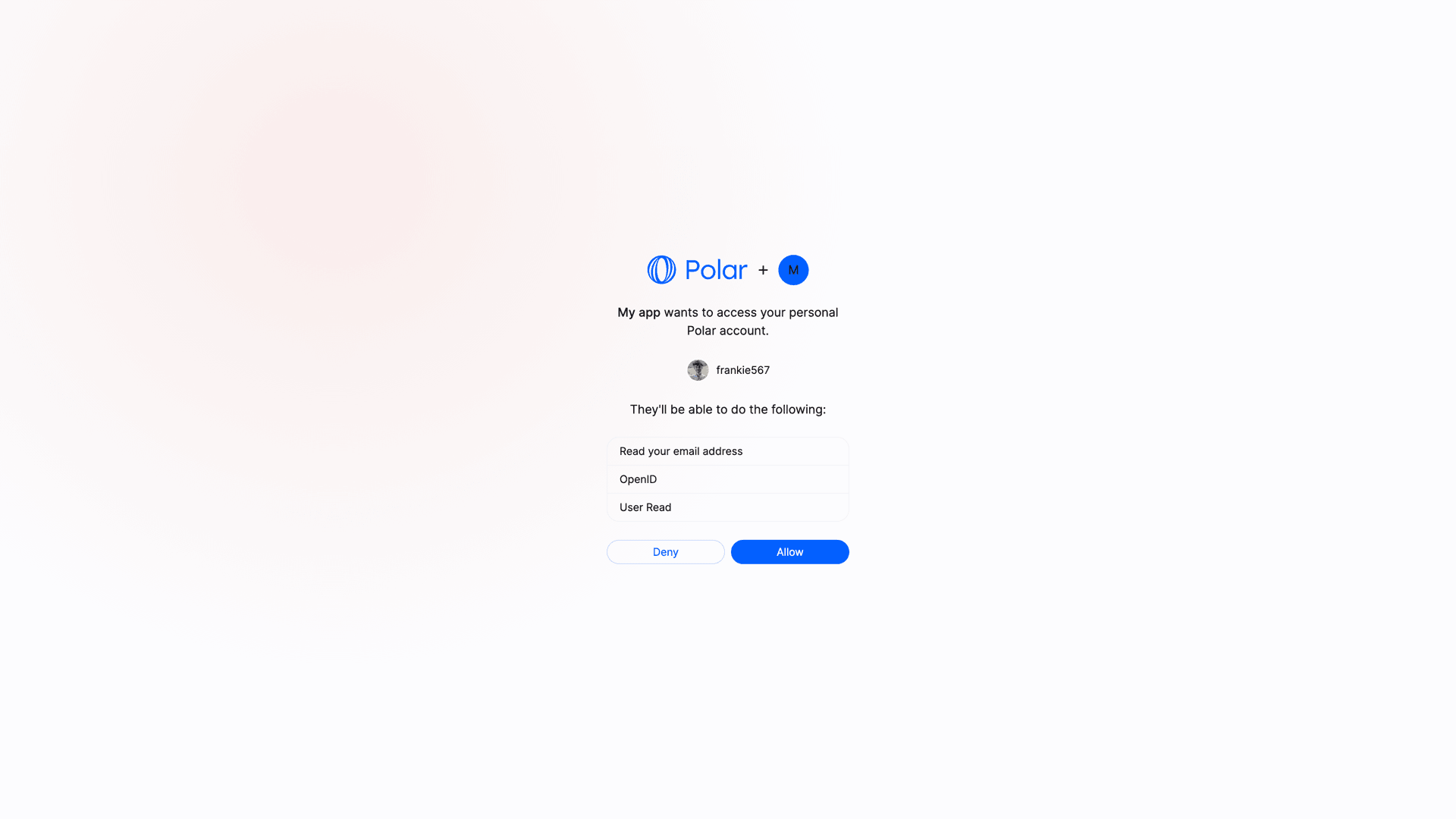
The domain to which the authorize request needs to be made is polar.sh (and not api.polar.sh).
Indicates that you want to use the authorization code flow. Most common and
the only one supported by Polar.
Supports:
organization, userIndicates the level of access you want to include for your OAuth 2.0 token.With user - the access of the OAuth 2.0 token is to all the organizations of the user.With organization - the access of the OAuth 2.0 token is limited to the organization selected by the user.The Client ID you got when creating the OAuth 2.0 client.
The URL where the user will be redirected after granting access to their data. Make sure you declared it when creating the OAuth2 client.
A space-separated list of scopes you want to ask for. Make sure they are part of the scopes you declared when creating the OAuth2 client.
If you require
id_token to be part of the response, make sure to include openid as part of the scope.redirect_uri with the code parameter in the query string. This code is a one-time use code that you can exchange for an access token.Exchange authorization code for an access token
Once you have the authorization code, you can exchange it for an access token. To do so, you’ll need to make a You should get the following response:The
POST request to the token endpoint. This call needs to be authenticated with the Client ID and Client Secret you got when creating the OAuth2 client.Here is an example with cURL:access_token will allow you to make authenticated API requests on behalf of the user. The refresh_token is a long-lived token that you can use to get new access tokens when the current one expires. The id_token is a signed JWT token containing information about the user, as per the OpenID Connect specification.User vs Organization Access Tokens
We support the concept of access tokens at organization level. Contrary to the standard access tokens, those tokens are not tied to a user but to an organization. They can be used to make requests operating only on a specific organization data, improving privacy and security. To ask for an organization access token, you need to add the parametersub_type=organization to the authorization URL:
The default value of
sub_type is user.Some endpoints might not support organization access tokens. Typically, user-specific endpoints like
/v1/users/benefit will not work with organization access tokens.Public Clients
Public clients are clients where the Client Secret can’t be kept safe, as it would be accessible by the final user. This is the case for SPA, mobile applications, or any client running on the user’s device. In this case, and only if the client is configured as a Public Client, the request to the token endpoint won’t require theclient_secret parameter. However, the PKCE method will be required to maximize security.